
#1 What This State Means
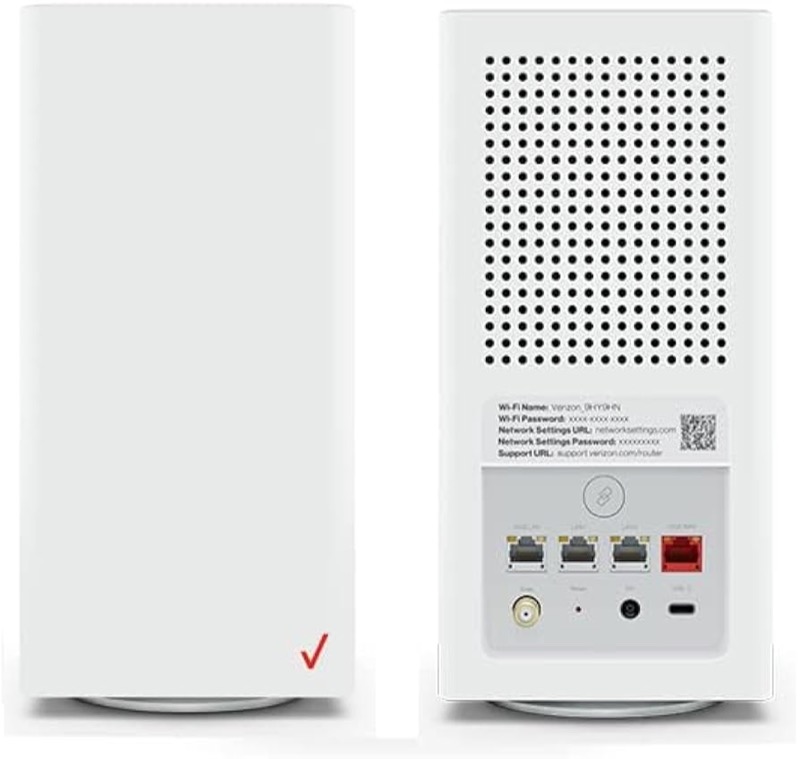
On the Verizon CR1000A, the Router Status light shows its state with colour and blink speed. Verizon’s user guide (S08) lists fast blinking white as the router booting up or going through a system restart. So a blinking white light on a CR1000A is usually the router starting, not a fault. The light should turn solid white when the router is working normally.
That is the documented meaning, and it is also the answer to most “blinking white” searches on this router. The chart does not list a separate state for a white light that blinks slowly, and it does not say a blinking white light means no internet. For no internet, Verizon’s chart uses solid yellow. So if the white light keeps blinking, the router is probably still starting or restarting, and you should wait and then check whether it settles to solid white.
The page covers the CR1000A only. The user guide’s chart is for that model, and the sources do not show that other Verizon routers share this chart.
#2 Blinking white on the CR1000A
| Light | What Verizon says | What to do |
|---|---|---|
| Fast blinking white | The router is booting, or a system restart is in progress | Wait for it to finish |
| Solid white | Normal operation | Nothing to fix on the router |
| Solid yellow | No internet connection | Check the coax and the outage picture |
| Solid red, or red blinking | Hardware or system failure, overheating or an update error. The sources disagree on the red states | Do not interpret alone; contact Verizon |
The user guide lists fast blinking white as a start-up state, not an error. A blinking white light that does not change is still a start-up state until the router settles, so judge it only after a reasonable wait.
#3 Steps to Troubleshoot
- Confirm the light is blinking white. Watch it for a minute. Fast blinking white is the start-up state the user guide describes.
- Wait for the router to finish starting. Do not unplug the router while the light is blinking, because the restart is still running.
- If the light turns solid white, the router is working. Check the devices that cannot get online, rather than the router.
- If the light turns solid yellow, check the connection. Verizon’s chart says solid yellow means no internet connection. Check the coax cable at both ends and look for an outage.
- If the white keeps blinking for a long time, check the power. Make sure the power cord is firmly connected and the outlet works.
- If the light turns red, do not interpret it alone. The two sources disagree on the red states, so contact Verizon with the exact pattern.
- Contact Verizon if the white does not settle. Give the model, the colour and speed of the light, how long it has blinked, and what you have already checked.
#4 What If Scenarios
Q: Why is my Verizon router blinking white? On the CR1000A, the user guide describes fast blinking white as booting or restarting. Give it time to finish, and it should turn solid white when it is working.
Q: The white light has been blinking for a long time. Is the router stuck? The chart does not give a time limit for the start-up. If it stays blinking for a long time, check the power and the coax, then contact Verizon rather than repeating restarts.
Q: The light is blinking white but my internet is down. Does that mean the router is starting? Not necessarily. The chart ties a missing internet connection to solid yellow, not to blinking white. So a blinking white light with the internet down means the router is still starting, and the internet check comes after it settles.
Q: Will restarting the router stop the blinking white? A restart puts the router through the same start-up sequence, so the white light blinks again while it boots. Let the router finish starting once rather than restarting it repeatedly.
Q: My router is a Fios Router G3100 or another model. Does this chart apply? Not as far as the sources show. This chart is for the CR1000A. Use the chart for your own model.
#5 Related Articles
For the full CR1000A chart, read the Verizon CR1000A light meanings guide. For the solid white state, read the Verizon router solid white guide. For the blue states, read the Verizon router blinking blue guide.