
Standalone cable modem
Converts the coaxial signal into Ethernet. No Wi-Fi. Usually has separate Power, DS, US and Online lights.
Examples: Spectrum modems, retail DOCSIS modems
Work out which kind of box you have and find its model number before you compare any light.
Pick the description closest to your equipment.
Converts the coaxial signal into Ethernet. No Wi-Fi. Usually has separate Power, DS, US and Online lights.
Examples: Spectrum modems, retail DOCSIS modems
Hands out local addresses and broadcasts Wi-Fi. Connects to a modem through its WAN port.
Examples: Spectrum WiFi 6 router (SAX1V1 family)
Modem and router in one box, with one coaxial input and several LAN ports.
Examples: Xfinity XB8, AT&T BGW320
Converts the fibre signal to Ethernet. Has PON and management lights.
Examples: Verizon Fios and AT&T Fiber ONTs
The regulatory label is on the underside or the rear panel. You need the model number line only.
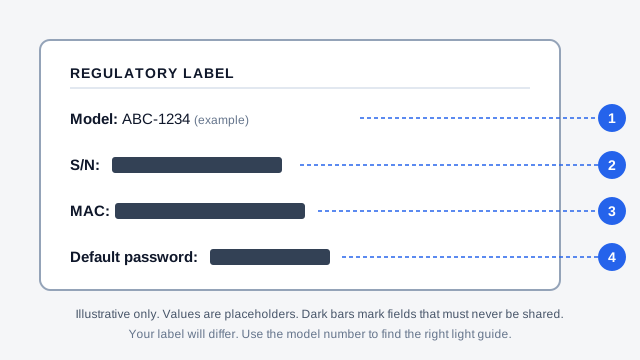
Do not post unredacted label photos in forums or on social media.
Use the troubleshooter, or open your provider's hub.