
#1 What This State Means
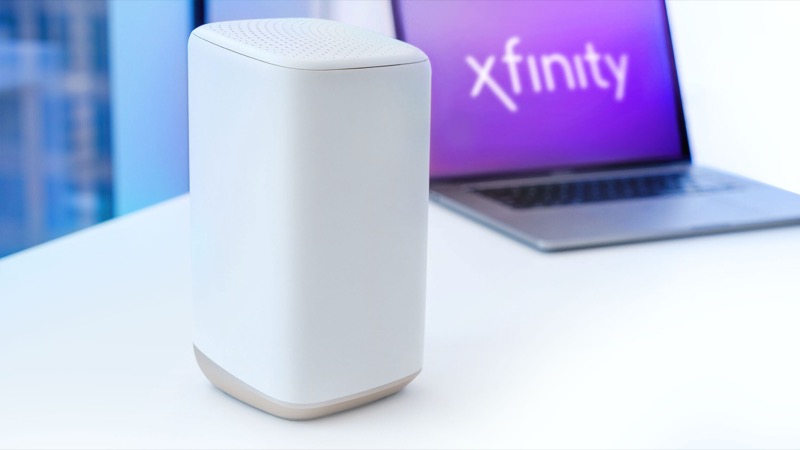
Xfinity’s official light table does not describe a separate power light. The gateway has a set of status lights that change with its state, and the table lists the states: no light for a device that is off, white for operational or activating, red for no internet connection, blue for WPS pairing, and a group of other colour combinations for connecting to Xfinity systems. The table does not single out a flashing power light, and it does not describe a power-on self-test failure.
So when a light on the gateway is flashing, the table’s answer comes from the colour and the state, not from a separate power indicator. The Xfinity employee reply on the community forum makes the key point: a flashing light of any colour means the gateway is not able to connect. A flashing light, then, tells you the gateway has power and is trying to reach the network. It does not tell you the power supply is failing.
The question people usually mean is whether the gateway is getting power at all. That is answered by the table’s “no light” state: if there is no light, the device is off. A light that flashes is evidence of power, so start with the connection, not the adapter.
#2 Steps to Troubleshoot
- Decide whether the gateway has any light. If the front panel is completely dark, the official table says the device is off. Check the adapter is fully inserted at both ends and that the outlet is switched on. A dark gateway cannot connect until it powers on.
- If it is flashing, identify the colour. A flashing light means the gateway is trying to connect. Use the guide for that colour, because the steps differ between orange, green, yellow and blue.
- Check the adapter and outlet. Use the adapter that came with the gateway. Check that the plug sits firmly in the outlet and that the outlet works with another device. A loose or failing adapter can cause the gateway to restart or drop out, which can look like a flashing light.
- Check the coax. Make sure the coax is finger-tight at the gateway and at the wall. A poor signal stops the gateway reaching the network, and the light keeps flashing until it can.
- Restart once and wait. Power cycle the gateway, wait one minute, plug it in and allow the full connection cycle to finish, which can take about 15 minutes.
- Check for an outage. Use the Xfinity app to look for a service problem in your area. An outage keeps the gateway flashing until service returns.
- Contact Xfinity if it keeps flashing. If the light still flashes after the cycle, call Xfinity. Describe the colour, when it started, and whether the adapter and outlet have been checked.
#3 What If Scenarios
Q: The gateway light flashes and then goes dark. Is the power supply failing? It could be. A light that comes and goes can mean the gateway is losing power, so check the adapter and outlet first. The official table does not describe a power-supply failure, so if the adapter and outlet are fine and the gateway keeps going dark, contact Xfinity for a replacement check.
Q: Can I use a different power adapter? Use the adapter that came with the gateway. A replacement with the wrong voltage or polarity can damage the gateway. If the original has failed, ask Xfinity for a correct replacement rather than substituting a generic one.
Q: Will a factory reset stop the flashing? The sources do not say so. A factory reset erases your Wi-Fi name, password and custom settings. Reset only if Xfinity support tells you to.
Q: The light flashes in a colour I cannot identify. What should I do? Look at the colour when the gateway is first switched on and again after a few minutes. Match it to the table: white, red, blue or the group of other colours. Then follow the guide for that colour rather than guess.
Q: Who should I call? Xfinity support, through the app or the number on your account. Say which colour is flashing, how long it has been flashing, whether the adapter and outlet are working, and whether an outage check found anything.
Q: The gateway has power but the lights never settle. Is it the hardware? The official table does not describe hardware failure, so do not assume it. Steady or flashing lights that never settle after the connection cycle and the cable and power checks are a reason to contact Xfinity. They can see whether the gateway is reaching their systems and whether a replacement is needed.
#4 Related Articles
Read the Xfinity router blinking orange guide, the Xfinity router offline light guide and the Xfinity router red light guide. For the outage check, see how to check for an ISP outage.