
#1 What This State Means
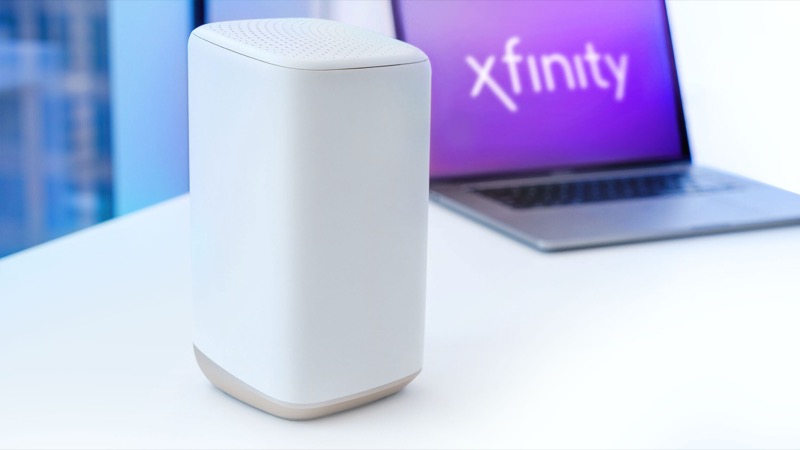
A steady red light on an Xfinity gateway is listed in Xfinity’s official light table with a single meaning: no internet connection. The table says that when the light is red, Xfinity is having trouble connecting with your device and recommends contacting them. An Xfinity employee confirmed the same reading on the community forum, saying a red light typically indicates there is no internet connection.
Red is the clearest colour on the gateway, and it is the one most worth acting on quickly. Unlike orange, green and blue, which describe a connection cycle or pairing, red means the gateway has stopped being able to reach your service.
The sources do not describe red as overheating or as a hardware failure, and nothing we checked links it to a specific part. If the light is red, the first question is whether the line is down. That is a service question, not a question about the gateway itself.
#2 Steps to Troubleshoot
- Check for an outage. Open the Xfinity app and look for an outage in your area. A regional outage is the most common reason a gateway shows no connection, and nothing at the gateway will help until service is restored.
- Confirm the light is steady red, not blinking. A steady red light is the no-connection state in the official table. If the light is blinking, read the orange or green guide, because blinking lights describe a connection cycle.
- Check the coaxial cable. Make sure the coax is finger-tight at the gateway and at the wall. A loose coax connection can stop the gateway reaching the network.
- Restart the gateway once. Unplug the power adapter, wait one minute and plug it back in. Then wait a few minutes and check the light. Do not restart repeatedly.
- Check whether the light has changed. The forum reply asked whether the colour had changed or whether there were problems since the post. Note whether the light turns orange or green, which means the gateway is trying to connect.
- Contact Xfinity. If the light stays red after an outage check and a restart, contact Xfinity. Say the light is steady red, that it has no internet connection, and what you have tried.
#3 What If Scenarios
Q: My gateway light is red but my internet still works. Why? This is unusual. An Xfinity employee replying to a customer with exactly that problem said it was odd that service was working with a red light. Check the speed and whether devices are actually connected, then ask Xfinity to check the gateway status. Do not assume the light is wrong without confirming.
Q: Does a red light mean the gateway is broken? The sources do not say that. A red light means there is no internet connection. That can come from the line, the signal into your home, or the gateway. An outage check and a coax check come before any suspicion of the hardware.
Q: Should I factory reset the gateway? Not as a first step. A factory reset erases your Wi-Fi name, password and custom settings. Neither the table nor the employee reply asks for a reset for a red light. Only reset if Xfinity support tells you to.
Q: The light was red for a while and then went orange. Is that good? It may be. Orange means the gateway is trying to connect to the network, so the red state has passed. Follow the Xfinity router blinking orange guide while it cycles, and contact Xfinity if the orange does not settle.
Q: Who should I call? Xfinity support, through the app or the phone number on your account. Give them the colour, the time it started, and whether an outage check showed anything. Keep the gateway’s model number handy too, because support will ask for it, and write down whether the light changed colour after your restart.
Q: How long should I wait before I call Xfinity? Check for an outage and try one restart first, then give the gateway a few minutes to come back. The sources we checked do not set a fixed time for a red light. If the light stays red after those steps, or it returns after the internet came back, call Xfinity rather than waiting longer. A red light that keeps coming back points to a line or signal problem that support needs to see.
#4 Related Articles
For the other colours, see the Xfinity router blinking orange guide, the Xfinity router blinking green guide and the Xfinity router blinking blue guide. For the outage check, read how to check for an ISP outage.