
#1 What This State Means
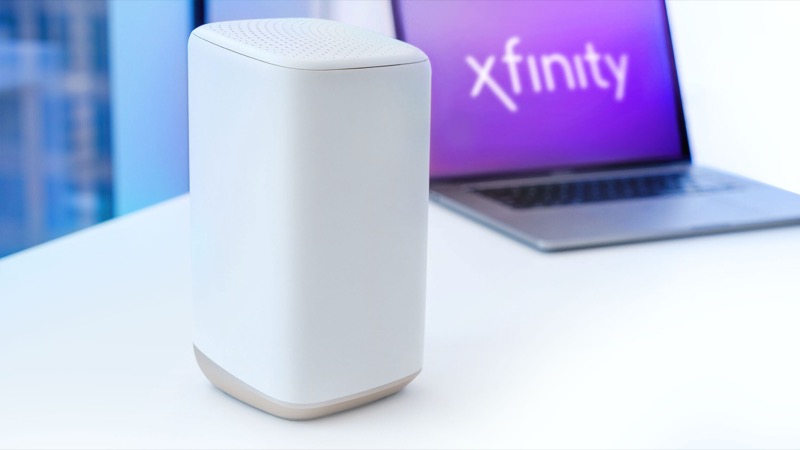
A blinking green light that appears after a restart is part of the connection cycle. Xfinity’s official light table groups green with the other colour combinations, and for that group it tells you to wait about 15 minutes for the cycle to complete. Xfinity’s restart guidance also says the restart process itself takes up to 12 minutes, and during that time the home network is unavailable.
So a green light straight after a restart is not a fault in itself. The gateway is starting and reconnecting. The official guidance expects that to take time, and it expects the gateway to be ready again within about 12 minutes of the restart. A light that is still green well after that point, or one that keeps returning after the internet comes back, is no longer part of a normal restart.
The distinction to make is between a gateway that is still starting and one that is stuck. If the light changes to another colour or to steady white within the restart window, the restart did its job. If the green light is still there after the window has passed, the restart has not fixed the connection, and repeating restarts will not change that.
#2 Steps to Troubleshoot
- Wait the full restart window. Allow up to 12 minutes after the restart before judging the light. Xfinity’s restart process takes up to that long, and the network is unavailable until the gateway is back.
- Check what the light does next. If it changes to steady white or to another colour, follow the matching guide. If it stays green, continue below.
- Use the Xfinity app restart if you rent the gateway. The official route is the app: open WiFi, choose Troubleshoot, then Restart your Gateway. The app restart is the method Xfinity recommends before a manual one.
- Run the network test first. Xfinity recommends running the full network test in the app before a restart, because it can tell you whether a restart is the right fix at all.
- If the app restart did not help, restart manually once. Unplug the power cable, wait one minute, and plug it back in. Xfinity describes this as the last troubleshooting attempt.
- Check the coax connection. Make sure the coax is tight at the wall and at the gateway. A restart cannot fix a loose or damaged cable.
- Contact Xfinity. If the light stays green after the full restart window and a manual restart, call Xfinity. Say when you restarted it, which method you used, and how long the light has stayed green.
#3 What If Scenarios
Q: How long is too long after a restart? Xfinity’s restart process takes up to 12 minutes. Allow that window, then judge the light. Once the window has passed, a green light that has not changed is a reason to check the connection and call Xfinity, not to restart again.
Q: Should I restart from the app or unplug it? If you rent the gateway, use the app first. The official sequence is the app’s restart, and the manual unplug method only as the final attempt. Unplugging is quicker, but the app restart is the route Xfinity describes first.
Q: The internet came back after the restart, but the light is still green. Is that a problem? It can be. The official light table describes the connection cycle, and it does not say a green light means the internet is down. If the internet works, you can wait and see whether the light settles. If it keeps blinking and the connection drops again, contact Xfinity.
Q: Will a factory reset clear the green light after a restart? The sources do not say so. A factory reset erases your Wi-Fi name, password and custom settings. Xfinity’s restart guidance does not call for a reset. Reset only if Xfinity support tells you to.
Q: Does a restart fix the problem every time? No. Xfinity’s restart guidance says many connectivity issues can be solved by restarting, but it also says to run a network test first, because a restart is not the right fix for every problem. If the test points to something a restart cannot fix, the app offers a technician visit.
Q: The restart worked, but the light went green again later. What happened? A green light that returns hours or days after a restart is a different situation from one that appears during the restart. Xfinity’s guidance does not describe a repeat cycle, so it is worth checking for an outage in your area and the coax at the wall. Then report the pattern to Xfinity, including the times it returned, because support can check the gateway’s connection history from their side.
#4 Related Articles
For the other colours, read the Xfinity router blinking orange guide and the Xfinity router blinking white guide. For a connection that stays down, read the green no-internet guide.