
#1 What This State Means
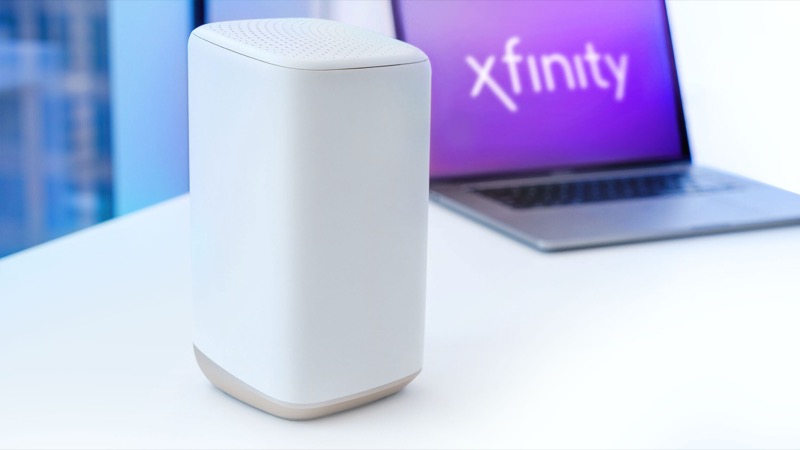
A blinking orange light on an Xfinity gateway means the gateway cannot connect to the Xfinity network. Xfinity’s own community team describes it the same way: a flashing light of any colour means the gateway is not able to connect, and the orange one is the most common during an interruption. In practice, if the light is flashing orange, your internet is probably down until the gateway reconnects.
The official light table does not give orange its own row, though. Xfinity’s article lists the colours it documents and groups everything else under “all other colour combinations”. For that group the instruction is to connecting to Xfinity systems and wait about 15 minutes for the cycle to finish. So the official guidance tells you what to do with orange, not why it is orange. Treat the rest of this page as the practical sequence those sources support, not as a unique diagnosis.
Three situations look identical on the front panel but call for different actions:
- You just restarted the gateway, or an update ran. Orange blinking during the first few minutes is part of the normal reconnect cycle.
- It started suddenly while everything was working. This usually means an interruption on the line or in your area. Check for an outage before you touch anything.
- It is still blinking after about an hour with no outage. The problem is probably the signal into your home or the gateway itself, and a restart will not fix it.
#2 Steps to Troubleshoot
Work through these in order and stop as soon as the light changes.
| How long it has been blinking | What it usually means | What to do |
|---|---|---|
| Under 15 minutes | Normal reconnect after a restart or update | Leave it alone. Xfinity’s guidance is to wait for the cycle to finish. |
| 15 minutes or more | The gateway is not reconnecting | Check for an outage (step 1) |
| About an hour, no outage | Signal or hardware problem | Contact Xfinity (step 4) |
1. Check for an outage first. Open the Xfinity app and look for outage updates in your area, or use Xfinity’s “check for a service outage” article. If there is an outage, nothing at the gateway will help until it is fixed. Wait for the restoration notice, then give the gateway a further 15 minutes.
2. Reseat the coaxial cable. Check the coax connector at the back of the gateway and the one at the wall. Tighten each by hand until it is snug. Do not use pliers, because over-tightening can damage the connector. This is the cable most often loose when the light blinks, and ModemGuides recommends the same check.
3. Restart once, not repeatedly. Unplug the gateway’s power adapter, wait one minute, and plug it back in. Then wait the full cycle again. Repeated restarts keep the gateway in its connection cycle, and neither Xfinity’s guidance nor the community reply recommends them.
4. Contact Xfinity if it is still blinking. If the light is still orange after roughly an hour with no outage, call Xfinity or use Xfinity Assistant in the app. The community reply says that if the gateway cannot connect, limited troubleshooting is possible from the customer side and a technician may be needed. Mention that the light has been blinking orange and that you have already restarted it.
#3 What If Scenarios
Q: Is a blinking orange light the same as a solid orange light? Not according to the sources we checked. Xfinity’s table lists a steady red light as having no internet connection, and it lists the blinking blue light as WPS pairing mode. A solid orange status is not in the official table. If you see a steady orange light rather than a blinking one, check the gateway’s model article or contact Xfinity instead of assuming it means the same thing.
Q: Should I factory reset the gateway to clear the orange light? No. Neither Xfinity’s table nor the community reply asks for a reset for this light. A factory reset erases your Wi-Fi name, password and custom settings. A plain restart does not. Only reset if Xfinity support tells you to.
Q: Can I keep restarting it until the light goes away? It is better to wait. The official instruction is to let the connection cycle complete, which can take about 15 minutes. Restarting in the middle of that cycle starts it again.
Q: What if the gateway is a modem I bought myself, not one Xfinity supplied? The same light logic applies, but the steps differ. Check that the modem is activated on your Xfinity account before going further, and contact Xfinity if it is not.
#4 Related Articles
If the light is a different colour, or you want to understand the reset options, read these next: the Xfinity router blinking green guide, the Xfinity router blinking white guide, restart vs factory reset, and how to check for an ISP outage.