
#1 What This State Means
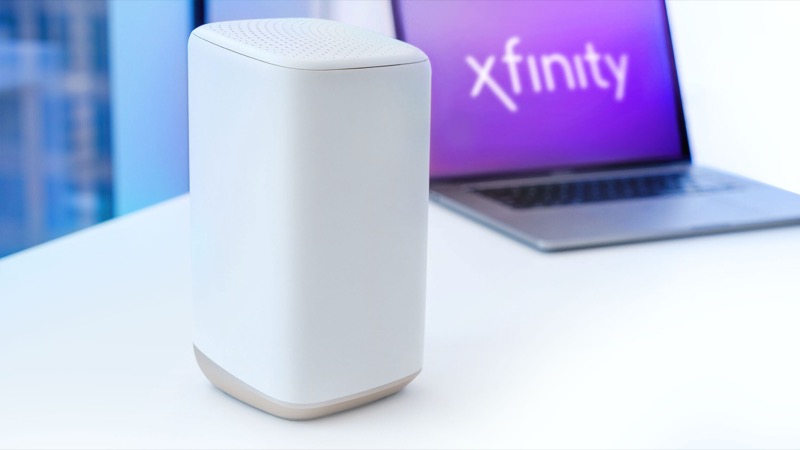
On Xfinity gateways a blinking blue light means WPS pairing mode. Xfinity’s official light table lists it that way: the gateway is trying to make a connection with another wireless device, and once that device connects it should be up and running. WPS stands for Wi-Fi Protected Setup, a button-based way to add a device without typing the network name and password.
This is the one blue state the official table describes, and it is not a fault. WikiHow describes the same behaviour: the blue light stops blinking as soon as a device connects wirelessly. If it keeps blinking after you have finished pairing, or you never pressed the WPS button, that is when you need to troubleshoot.
Two things are easy to confuse. The orange and green lights on Xfinity gateways mean the gateway is trying to reach the Xfinity network, which is a different problem. Blue is about your Wi-Fi devices, not the link to Xfinity. If your internet is down and the light is blue, the blue light is not the cause.
#2 Steps to Troubleshoot
- Decide whether you want to pair a device. If you are adding a phone, laptop or other device, continue with the WPS steps. If you are not, the blue light is unexpected and the steps below apply.
- Press WPS on the device, then on the gateway. Xfinity’s article says to press the WPS function on the device you are connecting, then press the WPS button on the gateway within two minutes. Find the WPS button on your gateway model first, because the position differs between models.
- Wait for the connection. When the device joins, the blue light should stop. Check the device shows the Wi-Fi network as connected.
- If the light keeps blinking, wait out the window. The pairing window is about two minutes. Once it has closed, check the light again before pressing WPS a second time.
- Check the device, not only the gateway. Many devices that cannot join show a WPS error. Confirm the device supports WPS and that it is close to the gateway during pairing.
- Use the password instead if WPS fails. WPS is optional. You can always join the network by typing the Wi-Fi name and password from the gateway label or your Xfinity app.
#3 What If Scenarios
Q: The blue light started blinking and I did not press WPS. What should I do? Check whether someone in the house pressed the WPS button on the gateway or on a device nearby. If nobody did and the light keeps blinking, sign in to your Xfinity account or the Xfinity app and check the gateway status. Do not restart the gateway just to clear the light, because the sources we checked do not describe the blue light as a fault that a restart fixes.
Q: Can the blue light mean a firmware update? Not according to Xfinity’s official table, which describes blue as WPS pairing. Some gateway behaviour changes during updates, but the official light table does not link blue to updates, so do not assume an update from the colour alone.
Q: Is it safe to press the WPS button? Press it only when you intend to connect a device. The button starts a pairing window, and pressing it at random lets a device join without you entering the password. If you are unsure who has access to the network, change the Wi-Fi password in your Xfinity account instead.
Q: The blue light went off, but my device still will not connect. Why? The blue light only shows that the gateway has paired something or stopped waiting. Check the device’s Wi-Fi list for the correct network name, and confirm the password. Restarting the device usually clears a stuck WPS attempt.
Q: Why does the blue light keep blinking for a while after my phone connects? The light is tied to the pairing window, not to the moment your phone shows connected. If it continues for the full window after a device has joined, the gateway may still be waiting for a second device, or the first pairing did not complete. Wait for the window to end, then check the device’s Wi-Fi status. If the light is still blinking after that, use the password method instead of pressing WPS again.
#4 Related Articles
For the other colours on Xfinity gateways, read the Xfinity router blinking orange guide, the Xfinity router blinking green guide and the Xfinity router blinking white guide. Those three describe the connection to Xfinity, which is a different question from the blue pairing light.