
#1 What This State Means
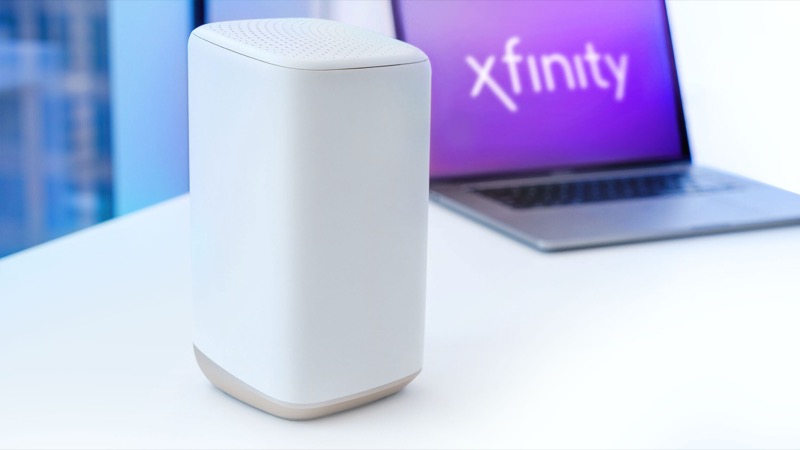
A blinking green light on an Xfinity gateway is not in Xfinity’s official light table as its own state. The table groups every colour that is not white, red or blue under “all other colour combinations”, and says that for that group the gateway is connecting to Xfinity systems and you should wait about 15 minutes for the cycle to complete.
So the official reading is that the gateway is still trying to establish or re-establish its connection. Independent explainers agree on that meaning. WikiHow describes a flashing green light as the modem trying to reconnect, and points to an unstable connection as the usual reason, from loose cables and account problems to outages. Customers on Xfinity’s forum describe the same pattern: the light goes green, the connection drops, and it comes back again.
The practical distinction is between two situations. If the green light blinks while the gateway is still starting, or straight after a restart, it is part of the connection cycle and should settle. If it keeps blinking for a long time, or it comes back every time the internet is used, the connection itself is unstable, and waiting alone will not fix it.
#2 Steps to Troubleshoot
Start with the cheapest checks. Stop as soon as the light turns solid.
- Wait out one full cycle. Leave the gateway alone for about 15 minutes after a restart or outage. This is the time Xfinity gives for connecting.
- Check for an outage. Use the Xfinity app to look for an outage on your account. A regional problem can make the gateway cycle between connecting and dropping.
- Check the coaxial connection. Make sure the coax is finger-tight at the gateway and at the wall. Loose coax is the most common physical cause that WikiHow lists for a flashing green light.
- Power cycle once. Unplug the power adapter, wait one minute and plug it back in. Then wait the full cycle again.
- Check the gateway status in your account. If the light still blinks, sign in to your Xfinity account or the Xfinity app and check the gateway’s status. A customer thread on the forum shows how a support agent asks the same questions: when the blinking started, and whether the gateway is authorised on the account.
- Contact Xfinity. If the light keeps blinking after you have done the steps above, or it drops the connection repeatedly, call Xfinity. Describe the pattern exactly: how long it blinks, whether it recovers on its own, and what you have already tried.
What to have ready before you call Xfinity
A support agent can act faster if you can answer a few questions at the start. Note the time the green light first started blinking, and whether it stops by itself or only after a restart. Say whether the internet came back on its own or when you restarted. Write down the gateway model from the label, and whether you rented it from Xfinity or bought it. Finally, say whether anything changed recently, such as a visit from a technician, a storm, or a cable being moved. Those details separate a local cable fault from an account or outage problem, which is the split the forum threads keep returning to.
#3 What If Scenarios
Q: Is a blinking green light the same as normal data activity? Not in the sources we checked. Some other gateway lights blink while data moves, but Xfinity’s official table does not describe green that way. If your internet is working and the light is simply flickering, check the Xfinity app or your internet speed rather than assume. Persistent blinking green while you have no internet is a connection problem.
Q: Why does the light turn green and then drop the internet again? That pattern usually means the gateway is connecting and then losing the connection. Causes that independent guides list include loose cables, a weak signal, an outage, and an account or authorisation problem. Only the signal and account checks can be confirmed remotely, so raise the pattern with Xfinity rather than changing equipment.
Q: Should I reset the gateway to stop the blinking? No. A factory reset erases your Wi-Fi name, password and custom settings. Neither the official table nor the community threads ask for a reset for this light. Restart the gateway only if Xfinity or the steps above say so.
Q: Could a new modem fix it? Only after the account and signal checks. The customer thread describes a replacement modem that still showed the blinking green light, so swapping hardware without checking the connection rarely solves it.
#4 Related Articles
For the other states the official table covers, read the Xfinity router blinking orange guide and the Xfinity router blinking white guide. For the outage check, see how to check for an ISP outage.