
#1 What This State Means
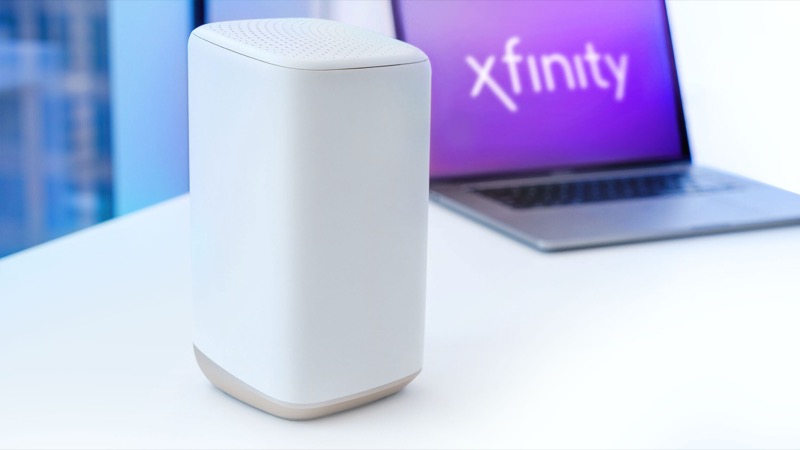
A blinking green light on an Xfinity gateway is listed in the official light table under “all other colour combinations”, which is the connecting-to-Xfinity-systems group. The table tells you to wait about 15 minutes for the cycle to finish and then contact Xfinity if you are still having problems. So a blinking green light that comes with no internet is, on the official reading, a gateway still trying to connect, or repeatedly dropping and retrying its connection.
Before you read the light as the cause, check whether the problem is the gateway at all. Xfinity’s own connection guidance starts with the devices. If only one device has no internet, the fault is usually on that device, not the gateway. If every device in the house is affected, the gateway or the line is the likely cause. The steps below follow that order, because it separates a device problem from an Xfinity or gateway problem quickly.
The official table does not describe a blinking green light as data activity, and it does not describe a specific network-layer fault. A blinking green light with no internet tells you the connection is not settling. The steps here check what is in your control first, and then what Xfinity needs to check.
#2 Steps to Troubleshoot
- Check how many devices are affected. Try two or three internet-capable devices. If only one fails, focus on that device. If all of them fail, continue with the gateway checks.
- Check the device’s Wi-Fi. Make sure Wi-Fi is on and the device is joined to your home network, not to an Xfinity hotspot. The Xfinity guidance warns that a new device can try to join an xfinitywifi or XFINITY hotspot instead of your network.
- Check the network name and password. If you changed them recently, update the device with the new details.
- Check the cable connections. Confirm the equipment is plugged in, and that the coax is tightened as much as possible to both the wall outlet and the gateway.
- Check Wi-Fi coverage. Stand close to the gateway. If the connection only fails in one room, the problem may be coverage rather than the gateway.
- Check your account. Make sure payments are up to date, since an account problem can stop service. Sign in to the Xfinity app and check billing.
- Run the Xfinity app check. In the app, go to WiFi and choose Troubleshoot. If the app finds a problem it cannot fix online, it will offer a technician visit.
- Restart once, then wait. Power cycle the gateway once and give the connection cycle time to finish, about 15 minutes. Do not keep restarting.
#3 What If Scenarios
Q: The light is green and only my phone has no internet. Is the gateway broken? Probably not. The Xfinity guidance says single-device problems are often fixed by updating the device’s network settings or restarting it. Check the other devices first. If they work, forget the gateway and restart or reconnect the phone.
Q: The light is green and no device in the house has internet. What now? This points to the gateway or the line. Check the coax, wait for the cycle to finish, and check for an outage in the Xfinity app. If there is no outage and the light stays green, contact Xfinity so they can check the gateway status on your account.
Q: The internet works sometimes, then drops. Why? A blinking green light that comes and goes matches a connection that keeps dropping. The official guidance does not give a single cause. Check the coax connection, the coverage in the room where it drops, and the app’s troubleshoot result, then report the pattern to Xfinity. Customer threads describe the same pattern, and Xfinity support asks when it started and whether the gateway is recognised on the account.
Q: Will a factory reset fix blinking green with no internet? The sources do not say so. A factory reset erases your Wi-Fi name, password and custom settings, and it does not fix an account or line problem. Reset only if Xfinity support tells you to.
Q: Is my own router causing it? It can be, but the test is to connect a device to the gateway directly. If the device works when it is connected to the gateway by Ethernet but not through your router, the fault is in your home network. If it fails on the gateway too, the fault is in the gateway or the line.
#4 Related Articles
For the connection cycle itself, read the Xfinity router blinking green guide and the Xfinity router blinking orange guide. For the outage check, see how to check for an ISP outage.