
#1 What This State Means
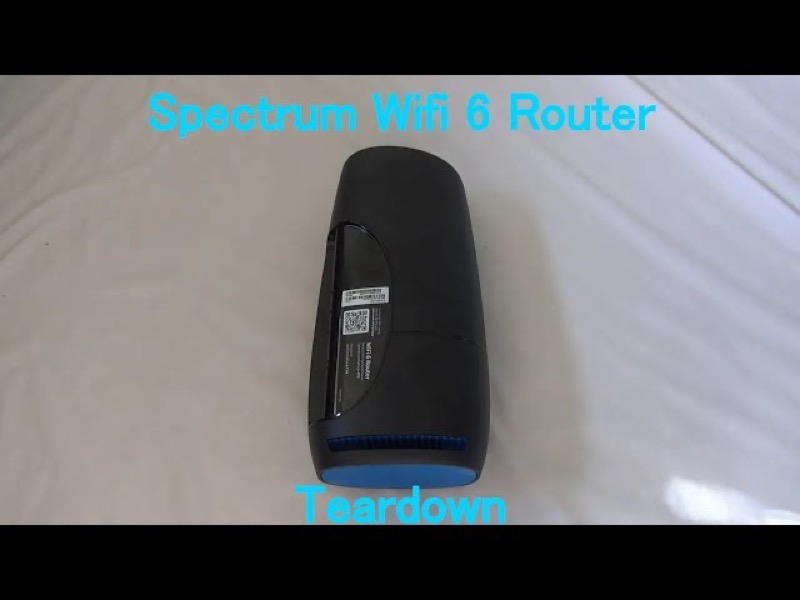
On the Spectrum WiFi 6 router, white appears in only one pattern in Spectrum’s manual: red and white, alternating, which the manual says means the router is overheating. The manual does not describe a blinking white light on its own, or a solid white light, on this router. So if you see white with no red, the manual does not give a meaning for it.
That makes the overheating pattern the one to check first. Look at the light for a short time. If it alternates between red and white, the manual’s meaning applies: move the router to a flat, open spot with air around it. If the light shows white without the red alternation, you have a state the manual does not describe, and the steps on this page are about how to check it, not what it means.
This page covers the Spectrum WiFi 6 router family only, the the SAX1V1 family. The manual’s status-light table is for that family. It does not describe white lights on Spectrum’s modems or other routers.
#2 Where white appears
| Light pattern | What Spectrum’s manual says | What to do |
|---|---|---|
| Red and white, alternating | Device is overheating | Move the router to a cooler, open spot |
| White, on its own (blinking or steady) | Not in the manual | Watch it, check the cables, then contact Spectrum |
| Blue or green, solid | Connected to the internet | Healthy; check devices if they still cannot get online |
The first row is the only white state the manual gives a meaning for. Do not read a plain white light as the overheating warning unless the red alternation is there too.
#3 Steps to Troubleshoot
- Look for the red. Watch the light for about a minute. If it alternates between red and white, the router is overheating according to the manual.
- If it is overheating, move the router. Put it on a flat surface, away from carpet, a closed cabinet, a media centre or a TV, and leave space around it for air.
- Do not reboot to fix an overheating light first. The manual’s guidance for this pattern is about placement, so move the router before you reboot it.
- If there is white but no red alternation, check the cables. Make sure the cable from the modem into the router’s Internet port is firmly connected.
- Check the modem and any outage. A router that cannot reach the internet can show a state the manual does not cover, so check the modem and your area for a Spectrum outage.
- Reboot once if the light does not settle. Press and hold the Reset button on the side for 4 to 14 seconds. The manual says your personalised settings are kept.
- Contact Spectrum with the exact pattern. Say whether the light is white alone or alternating with red, and give the model, how long it has shown, and what you have already checked.
#4 What If Scenarios
Q: The light is blinking white and nothing else. Is the router broken? The manual does not describe a white light on its own, so this page cannot confirm a fault. Check the cables and the modem, reboot once if needed, and contact Spectrum if the white stays.
Q: The light alternates red and white. Should I restart it? Not first. The manual says red and white alternating is overheating, so move the router to a cooler, open spot. A restart does not replace the placement the manual asks for.
Q: The light is solid white. Is the router working? The manual does not describe a solid white light, so it cannot confirm that the router is working from that colour alone. Check that devices can get online, and check the cables and the modem.
Q: Will a factory reset clear the white light? The manual does not present a factory reset as the fix for a white light. A factory reset removes your personalised settings, so use it only if Spectrum support asks you to.
Q: My Spectrum device is a modem, not the WiFi 6 router. Does this apply? No. The manual covers the WiFi 6 router family only, so use the page for your device.
#5 Related Articles
For the full WiFi 6 router legend, read the Spectrum WiFi 6 router lights guide. For a solid red light, read the Spectrum router solid red guide. For the red pulse, read the Spectrum router blinking red guide.