
#1 What This State Means
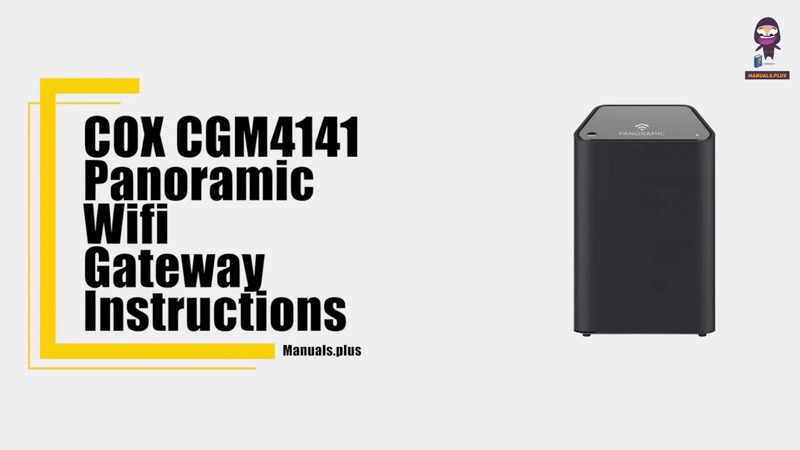
A Cox gateway with its lights on but no internet is a case that Cox’s tables describe only in part. The tables give solid white as online and fully operational, and they give solid red as no internet connectivity on the XER10 and offline on the CGM4141. So if the front light is white, Cox’s table reads the device as online, and if it is red, the table reads it as offline. The table does not describe a white light with no internet on the device.
That means the sign you see on your devices, no internet with the light on, is not a state either table names for the gateway. Two things can be true at once: the gateway light says online, and your devices still cannot reach the internet. The likely places to look are the devices and the Wi-Fi link, the cable and the outage picture, not the front light.
This page covers the XER10 and the CGM4141. The CGM4331 page states only the solid white front light. The CGM4140COM and TG1682G are not covered by these sources.
#2 Lights on, no internet
| Device | Light | What Cox says | What it means for you |
|---|---|---|---|
| XER10 Panoramic router | Solid white | Online and functioning | The gateway reads online, so check the devices |
| XER10 Panoramic router | Solid red | No internet connectivity | The gateway reads no connection |
| CGM4141 gateway | Solid white | Online | The gateway reads online, so check the devices |
| CGM4141 gateway | Solid red | Offline | The gateway reads offline |
| CGM4331 gateway | Solid white | Online and fully operational | The gateway reads online |
A white light with no internet on your devices is the gap in the table. It points you to the devices, the Wi-Fi link and the outage picture, because the gateway’s own light reports it is online.
#3 Steps to Troubleshoot
- Confirm the light is solid white. The table reads that as online, so the gateway itself is reporting a connection.
- Test one device with a wired connection, if you can. Use an Ethernet cable to a gateway port. If the device gets online that way, the Wi-Fi link is the problem.
- Check the devices’ Wi-Fi settings. Make sure each device is on the Cox Wi-Fi network with the correct password.
- Check the cable at the wall and at the gateway. Cox’s tables ask you to verify the cable connections for a connection problem, so make sure the coax is firmly connected.
- Check for a Cox outage in your area. An outage can stop the internet on every device while the front light still shows the gateway online.
- Watch for the light to change. If it turns solid red, the gateway has lost the connection, so use the red guidance.
- Contact Cox if the devices still cannot get online. Give the model, the light’s state, which devices fail and what you have already checked.
#4 What If Scenarios
Q: The gateway light is solid white but my internet is down. Is the gateway broken? Cox’s tables read solid white as online, so the gateway reports a connection. Check the devices, the wired test and the outage picture first.
Q: The gateway light is solid white but one device is slow or cannot connect. What now? The table describes online, not the speed or the state of every device. Check that device’s Wi-Fi settings and password, and test it with a wired connection if you can.
Q: The light turned red after the internet went down. What does that mean? On the XER10 solid red means no internet connectivity, and on the CGM4141 it means offline. Cox’s first action is to verify the cable connections and reset the gateway.
Q: My CGM4331 light is white but the internet is down. Does this page apply? Yes in part. The CGM4331 page states that solid white is online and fully operational, and the other states are not on that page. Use the devices and the outage checks above.
Q: My router is a TG1682G or CGM4140COM. Does this page apply? Not as far as these sources show. Contact Cox for your model’s table.
#5 Related Articles
For the full Cox light tables, read the Cox gateway lights by device guide. For the red state, read the Cox router red light guide. For the amber boot state, read the Cox router solid orange guide.