
#1 What This State Means
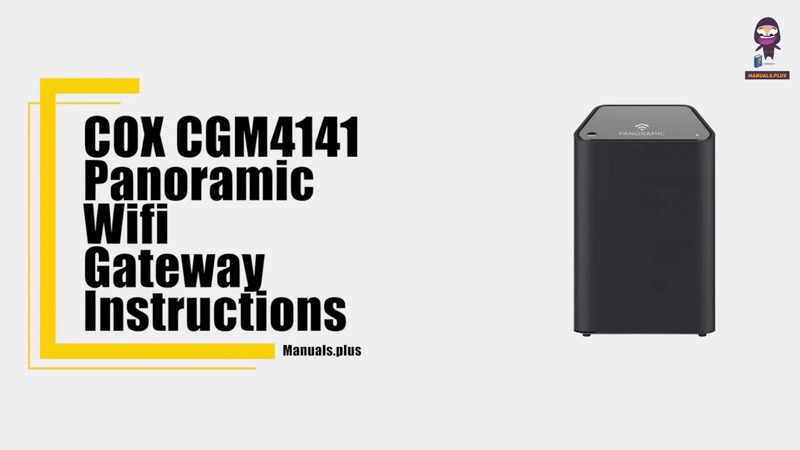
On the Cox CGM4141 gateway, flashing blue is WPS mode, according to Cox’s CGM4141 table (S32). That table is the only one of the three Cox sources that gives blue a meaning. The XER10 Panoramic router table (S31) lists no blue state, and the CGM4331 page (S30) states only the solid white front light. So a blue light is a CGM4141 state, and on the other two devices this page does not give one.
WPS mode is the window in which a Wi-Fi device can connect to the gateway with the WPS button instead of a password. Cox’s table gives no action for flashing blue, which means it is an expected state while you are pairing a device, not a fault. Once pairing finishes or stops, the light should return to its normal state, which on the CGM4141 is solid white for online.
This page covers the CGM4141 only. The sources do not describe blue on the XER10 or the CGM4331, and they do not cover the CGM4140COM or TG1682G.
#2 Blue on the CGM4141
| Light | What Cox says | Cox’s action |
|---|---|---|
| Flashing blue | WPS mode | None |
| Solid white | Online | None |
| Solid red | Offline | Verify all cable connections, and try resetting the gateway |
The CGM4141 table gives blue as WPS mode with no action. So a flashing blue light is not a problem by itself. It only needs attention if it is on when you did not start WPS, which the table does not address.
#3 Steps to Troubleshoot
- Confirm the device is the CGM4141. Read the model on the label. Blue is described only for this device.
- Check whether you started WPS. The table says flashing blue is WPS mode, so if you pressed the WPS button or started pairing a device, the blue is expected.
- If you are pairing a device, finish the pairing. Connect the device through WPS while the light is flashing blue, then wait for the light to return to solid white.
- If the blue is on and you did not start WPS, check your devices. The table does not say what causes an unexpected WPS state, so check the devices in your home for one that is trying to join.
- Change the Wi-Fi password if you cannot account for a device. That stops a device that joined without your permission from staying on the network.
- If the light turns solid white, the gateway is online. Check the devices that cannot get online.
- Contact Cox if the blue does not stop, or if the device does not match this table. Give the model, how long the blue has lasted, and whether you started WPS.
#4 What If Scenarios
Q: My Cox gateway is flashing blue. Is it broken? No. Cox’s CGM4141 table says flashing blue is WPS mode, and gives no action for it. Finish pairing a device if you are doing that, and wait for the light to return to solid white.
Q: My Cox gateway blue light is on but I did not press WPS. What should I do? The table says flashing blue is WPS mode, but it does not say why WPS would start on its own. Check the devices in your home, change the Wi-Fi password if you cannot account for one, and contact Cox if the blue continues.
Q: My XER10 router shows blue. Does the CGM4141 table apply? No. The XER10 table lists no blue state, so the CGM4141 table does not apply to it. Contact Cox for the XER10’s light meanings.
Q: My CGM4331 light is blue. What does it mean? Cox’s CGM4331 page states only the solid white front light, so it does not describe blue. Contact Cox for the CGM4331’s other states.
Q: How long does the WPS blue last? Cox’s table does not give a time limit for WPS mode. Finish pairing while the light is blue, and contact Cox if it does not stop after a reasonable time.
Q: What if a WPS pairing does not work? The CGM4141 table gives flashing blue as WPS mode and gives no state for a failed pairing. So the table cannot tell you whether the attempt succeeded. Check that the device supports WPS, try the pairing again while the light is flashing blue, and use the Wi-Fi password if the device will not pair. Contact Cox if the light does not return to solid white.
#5 Related Articles
For the full Cox light tables, read the Cox gateway lights by device guide. For the solid white and the boot states, read the Cox router solid orange guide. For the red state, read the Cox router red light guide.