
#1 What This State Means
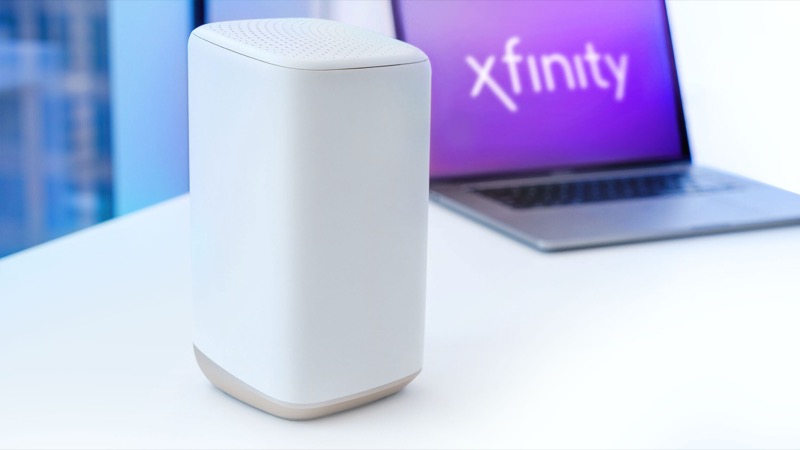
Xfinity’s official light table does not list a steady orange light. It lists blinking orange as part of “all other colour combinations”, which it links to connecting to Xfinity systems, with a wait of about 15 minutes. The table does not give solid orange its own meaning, so any single cause would be a guess.
That matters because the search results for this light often say a steady orange means power-save or ECO mode. We found no Xfinity source for that, so this page does not repeat it. What the sources support is narrower. A steady orange light is a colour outside the table’s named states, and the official instruction for that group is to allow the gateway time to finish its connection cycle and then contact Xfinity if the problem continues.
Customers do report steady orange lights where the gateway stops responding. One Reddit post describes a gateway that stayed unresponsive after it was moved to another outlet, with the app unable to reach it. That is a single account, not evidence of a common cause, but it shows the situation is real and that resets did not always help.
#2 Steps to Troubleshoot
- Confirm the colour and whether it changes. Look at the light for a few minutes. If it changes to blinking orange, green or red, use the matching guide, because each of those is a documented state.
- Wait for the connection cycle to finish. The official instruction for colours outside the table is to allow about 15 minutes after a restart, a power change or an outage.
- Check the power and outlet. If the gateway was moved recently, confirm the adapter is fully seated and that the outlet is working. The customer report began after the gateway was unplugged and moved to a different outlet.
- Check the coax. Make sure the coax is finger-tight at the gateway and at the wall. If the line runs through a splitter, a splitter fault can stop the signal, so check the connection at the splitter too.
- Check for an outage. Open the Xfinity app and look for service problems in your area. An outage can keep the gateway from reaching the network.
- Restart once and wait. Power cycle the gateway once, then give it the full cycle. Repeated restarts start the cycle again.
- Contact Xfinity. If the light stays solid orange after the cycle, or the gateway stops responding to the app and the website, call Xfinity. Say the light is steady orange, how long it has been that way, and what you have tried.
#3 What If Scenarios
Q: Is a solid orange light the same as a blinking orange light? Not in the official table, which does not name either as a separate state. Blinking orange is part of the connection cycle, and a steady light is outside the named states. Treat a steady orange light as unexplained by the table and follow the steps above rather than assume a cause.
Q: My gateway does not show up on Wi-Fi, so I cannot use the app. What now? Use a wired connection to the gateway if you have one, or ask Xfinity to check the account from their side. The customer report describes the same problem: the app could not reach the gateway, so the account route was the only option left.
Q: Will a factory reset clear the solid orange light? The sources do not say so. A factory reset erases your Wi-Fi name, password and custom settings. Reset only if Xfinity support tells you to, because the customer report did not record a reset clearing the light.
Q: Is the gateway broken? The sources do not say that either. A steady orange light that persists after the cycle and the basic checks is a reason to contact Xfinity so they can check the gateway’s status and your connection.
Q: How long should I wait before calling? Allow the cycle to finish, about 15 minutes after the last change, and do one restart. If the light has not changed by then, call. Waiting longer without a change does not help.
Q: Could a bad splitter or a damaged cable cause a steady orange light? The sources do not give a cause for a steady orange light, so this is a reasonable thing to check rather than a confirmed explanation. A splitter or a damaged cable can stop the signal reaching the gateway, which is the connection problem the cycle exists to solve. Check the splitter and cable connections first, and tell Xfinity if you have added or changed a splitter recently, because that can change what the technician looks for.
#4 Related Articles
If the light changes colour, read the Xfinity router blinking orange guide, the Xfinity router red light guide or the Xfinity router offline light guide. For the outage check, see how to check for an ISP outage.