
#1 What This State Means
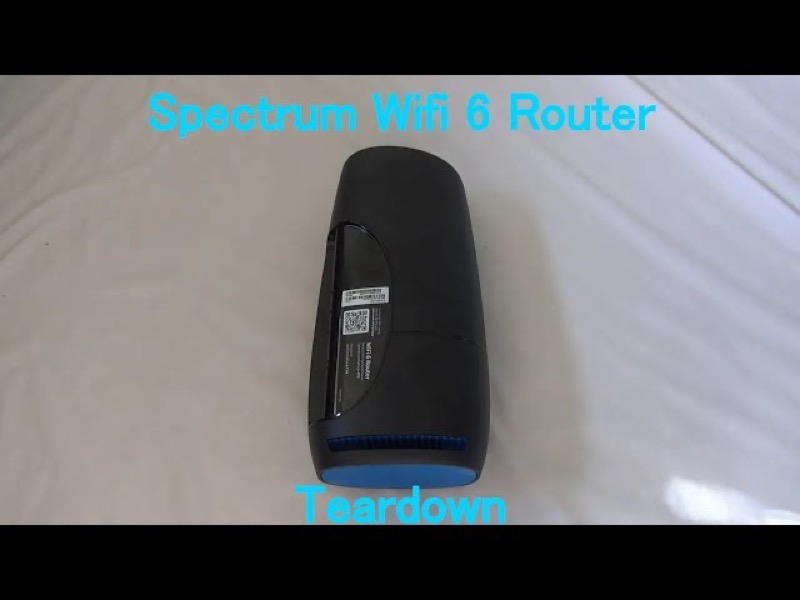
On the Spectrum WiFi 6 router, Spectrum’s manual does not give green its own meaning. It describes the status light as blue or green, so a green light has the same meanings as a blue one, and the pattern decides the state. A flashing green light means the router is booting up. A pulsing green light means it is connecting to the internet. A solid green light means it is connected. A pulse that goes red is a connectivity issue.
So a blinking green light is not a separate fault code. It is the start-up or connection sequence, and it should settle into solid green once the router is connected. If it keeps blinking or switches to red, the router has not finished connecting, or it has a connectivity issue, and the checks change.
This page covers the Spectrum WiFi 6 router family only, the SAX1V1 family. The manual’s status-light table is for that family. It does not describe green lights on Spectrum’s modems or other routers.
#2 Read the green pattern
| Green pattern | What Spectrum’s manual says | What to do |
|---|---|---|
| Flashing | Device is booting up | Wait for start-up to finish |
| Pulsing | Connecting to the internet | Give it time to settle |
| Solid | Connected to the internet | Healthy; check devices if they cannot get online |
| Red, pulsing | Connectivity issue | Check the cable and modem, and check for an outage |
The manual does not give a separate meaning for green that differs from blue, so the rows above are the same states you would read in a blue light. The pattern, not the colour, tells you the state.
#3 Steps to Troubleshoot
- Decide whether the green is flashing or pulsing. Flashing means booting. Pulsing means connecting. Both are normal states that should end.
- Wait for the state to change. Do not restart the router during a flash or a pulse, because that starts the process again.
- If it turns solid green, the router is connected. Check the devices that cannot get online, not the router.
- If it keeps pulsing for a long time, check the connection. Make sure the cable from the modem to the router’s Internet port is firmly connected at both ends.
- Check the modem and any outage. The router cannot finish connecting if the modem is not giving it a connection, and a Spectrum outage can keep it pulsing.
- If the light turns red and pulses, treat it as a connectivity issue. Check the cables and modem first, then reboot once if the red continues.
- Reboot once if the green state does not settle. Press and hold the Reset button on the side for 4 to 14 seconds. The manual says your personalised settings are kept.
- Contact Spectrum if the light does not settle. Give the model, the colour and pattern, how long it has shown, and what you have already checked.
#4 What If Scenarios
Q: The light is blinking green and will not stop. Is that a fault? The manual does not describe a fault for green. Flashing green is booting, and pulsing green is connecting, so give it time. If the pattern persists for a long time, check the modem and any outage, then reboot once.
Q: Is green better or worse than blue? The manual does not rank them. Blue and green are the same state set, so a solid green light means connected, just as solid blue does.
Q: The light is green and the internet works. Should I worry? No. Solid green means the router is connected to the internet. If it pulses green while the internet still works, the connection may be settling; watch whether it becomes solid.
Q: Will a factory reset clear a blinking green light? The manual does not present a factory reset as the fix for a green light. A factory reset removes your personalised settings, so use it only if Spectrum support asks you to.
Q: My Spectrum device is a modem, not the WiFi 6 router. Does this page apply? No. The manual covers the WiFi 6 router family only, so use the page for your device.
#5 Related Articles
For the full WiFi 6 router legend, read the Spectrum WiFi 6 router lights guide. For the blue states, read the Spectrum router blinking blue guide. For the red pulse, read the Spectrum router blinking red guide.