
#1 What This State Means
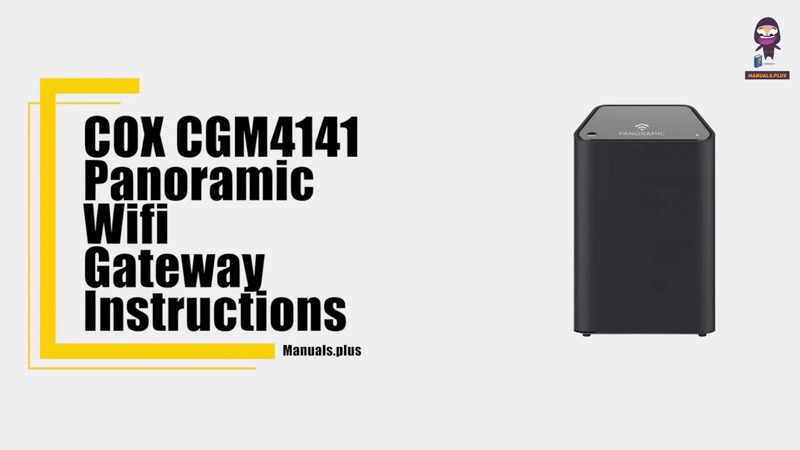
On a Cox gateway, a green light that blinks has two different meanings, depending on the device. On the XER10 Panoramic router (S31), flashing green is a firmware download in progress, and Cox notes that the download at boot-up is optional. On the CGM4141 gateway (S32), flashing green is upstream registration, which is the connection step where the gateway registers its upstream channel with the Cox network. The CGM4141 also has a separate amber and green flashing pattern, which its table gives as a firmware download.
So the colour alone does not settle it. On the XER10, a flashing green is a download, and on the CGM4141 it is registration, and the CGM4141’s firmware download is a two-colour pattern. Read the device and the exact pattern before you decide what you are seeing.
Cox’s tables give no action for flashing green on either device. The state is a step the gateway passes through while it downloads or registers, so the normal response is to wait for it to finish. The CGM4331 page states only the solid white front light, so it does not describe a green state. The CGM4140COM and TG1682G are not covered by these sources.
#2 Green on each device
| Device | Pattern | What Cox says | Cox’s action |
|---|---|---|---|
| XER10 Panoramic router | Flashing green | Download in progress (firmware download at boot-up is optional) | None |
| CGM4141 gateway | Flashing green | Upstream registration | None |
| CGM4141 gateway | Amber and green flashes | Firmware download in progress | None |
| Either | Solid white | Online | None |
The table is the only place for these states, and it gives no action for any of them. So the normal response is to wait for the step to finish, then check that the light reaches solid white.
#3 Steps to Troubleshoot
- Identify the device. Read the model on the label. Flashing green means different things on the XER10 and the CGM4141.
- Check the pattern. A single flashing green is a download on the XER10 and upstream registration on the CGM4141. Amber and green flashes together are the CGM4141’s firmware download.
- Do not unplug the gateway during a download. Cox’s tables describe these as steps in progress, so leave the gateway running until the step finishes.
- Wait for the step to finish. Cox gives no time limit, so give it a reasonable wait before you judge the light.
- If the light reaches solid white, the gateway is online. Check the devices that cannot get online.
- If the green keeps flashing for a long time, check the cable. Cox’s tables ask you to verify the cable connections for a connection problem, so check the coax at the wall and the gateway.
- Contact Cox if it does not settle. Give the model, the exact pattern, how long it has flashed, and what you have already checked.
#4 What If Scenarios
Q: My Cox gateway is flashing green. Is it broken? Not on Cox’s tables. The XER10 shows it during a firmware download, and the CGM4141 shows it during upstream registration. Cox gives no action for either, so wait for the step to finish.
Q: My CGM4141 is flashing amber and green together. What is that? Cox’s CGM4141 table gives amber and green flashes as a firmware download in progress, with no action. Do not unplug the gateway while it updates.
Q: The green light flashes for a long time. What should I do? Cox gives no time limit. Check the coax cable, then contact Cox if the light does not reach solid white.
Q: My CGM4331 light is green. Does this page apply? No. Cox’s CGM4331 page states only the solid white front light, so it does not describe green.
Q: My router is a TG1682G or CGM4140COM. Does this page apply? Not as far as these sources show. The sources cover the XER10 and the CGM4141, so contact Cox for your model’s table.
Q: Is the flashing green the same as the green in the Cox app or on the outside of the box? The tables here describe the gateway’s front light only. They do not describe an app status or any other green indicator, so use the front light’s pattern and this table, and check the Cox app separately if you want its status.
#5 Related Articles
For the full Cox light tables, read the Cox gateway lights by device guide. For the solid amber boot state, read the Cox router solid orange guide. For the red state, read the Cox router red light guide.