
#1 What This State Means
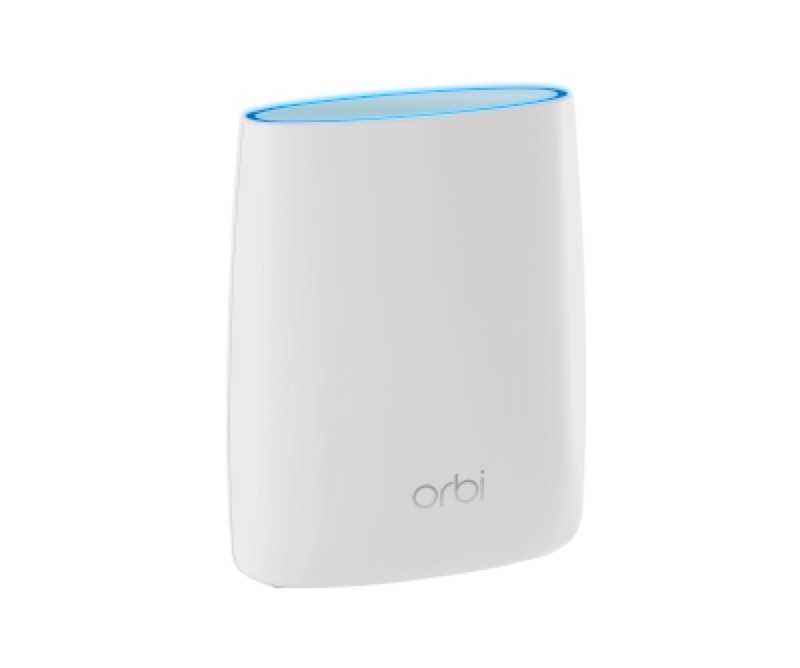
On an Orbi system, solid magenta means something different on the router and on the satellite, according to NETGEAR’s official Orbi article (S28). On the router, a solid magenta ring means the Orbi has no internet connection. On the satellite, a solid magenta ring means it has no backhaul connection to the router, or it has no IP address. So the same colour points to the internet on the router and to the link on the satellite.
That split decides where you look. A magenta router ring is a question about the modem, the cable and the outage picture. A magenta satellite ring is a question about the satellite’s link to the router, and the router’s own ring may be fine. Check which device the magenta is on before you decide what to fix.
The article applies across the Orbi lines it lists, and it is not tied to one model. Confirm the model on the label before you rely on a particular detail.
#2 Solid magenta on each device
| Device | Ring light | What NETGEAR says | What to check |
|---|---|---|---|
| Router | Solid magenta | No internet connection | The modem, the cable from it to the router, and any outage |
| Satellite | Solid magenta | No backhaul to the router, or no IP address | The satellite’s link to the router |
| Router | Off | Connected to the internet | Nothing to fix |
| Satellite | Off | Connected to the router | Nothing to fix |
The router magenta reading is about the internet, and the satellite magenta reading is about the link. The article gives both with the same colour, so the device name is what tells them apart.
#3 Steps to Troubleshoot
- Identify the device with the magenta ring. Check whether it is the router or a satellite.
- For a magenta router ring, check the modem. Make sure the modem has power and its lights look normal.
- Check the cable from the modem to the router. Make sure it is firmly connected at both ends.
- Check for an outage in your area. An outage stops the internet, so the router ring may stay magenta until it is restored.
- For a magenta satellite ring, check its link to the router. NETGEAR’s article describes no backhaul or no IP address, so check the satellite is connected to the router.
- If you pressed the Sync buttons, follow NETGEAR’s sync steps. The article links a separate procedure for syncing the router and satellite.
- Contact NETGEAR if the magenta stays. Give the model from the label, which device shows magenta, and what you have already checked.
#4 What If Scenarios
Q: My Orbi router ring is solid magenta. Is the router broken? Not on NETGEAR’s reading. Solid magenta on the router means there is no internet connection, so check the modem and the cable first, then look for an outage.
Q: My Orbi satellite ring is solid magenta but the router is fine. What does that mean? On a satellite, solid magenta means no backhaul to the router, or no IP address. The router’s own ring can be off while the satellite’s link is down, so check the satellite’s link to the router.
Q: Both the router and the satellite are magenta. Where do I start? Start with the router, because its magenta means no internet. Once the router is connected to the internet, check whether the satellite still shows magenta, which would point to its link to the router.
Q: The magenta went away after I restarted the router. Is it fixed? The article does not say a restart fixes the internet. Check that the router ring is off, which means connected. If the magenta comes back, check the modem, the cable and any outage.
Q: Can I use this page for the power light? No. The article gives the power light’s own states, which are solid green, solid amber, pulsing amber and pulsing red. Magenta is on the ring light. Use the Orbi router and satellite lights guide for the power light.
Q: Is a magenta ring the same as a pulsing red power light? No. NETGEAR’s article gives pulsing red on the power button light, which it says means the system might need attention and asks you to contact NETGEAR support. Solid magenta is on the ring light and describes the internet or the backhaul. Read the two lights separately, and contact NETGEAR for pulsing red.
#5 Related Articles
For the full Orbi light list, read the Orbi router and satellite lights guide. For the pulsing white ring, read the Orbi router blinking white guide. For the blue satellite ring, read the Orbi router blue light guide.