
#1 What This State Means
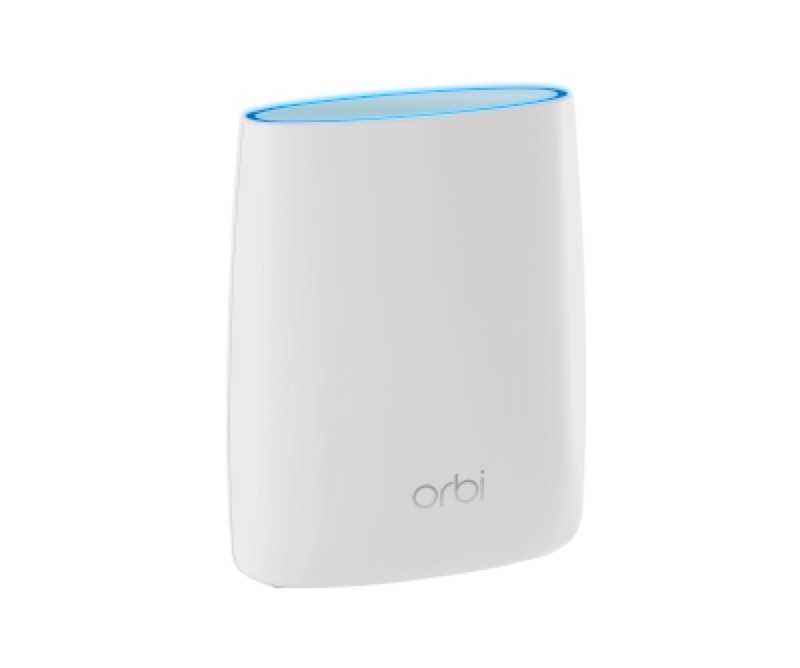
NETGEAR’s official Orbi article (S28) describes two sets of lights. The router and each satellite have a power button light, and the router and satellite each have a ring light. The ring light is where most of the state is. On the router, a solid white ring means the router is ready to set up, a pulsing white ring means it is powering up or trying to connect after WPS, a solid magenta ring means no internet connection, and an off ring means the router is connected to the internet.
The satellite’s ring reads its link to the router. A pulsing white satellite ring is powering up or trying to connect to the router. A solid magenta satellite ring means it has no backhaul connection to the router, or no IP address. A solid blue ring for three minutes means a good backhaul connection, and a solid amber ring for three minutes means a fair backhaul connection. An off satellite ring means it is connected to the router.
The power button light is the other set. It shows solid green when the device is on, solid amber when it is rebooting, pulsing amber when it has been reset to factory settings or a firmware update is in progress, and pulsing red when the system might need attention, which the article says to take to NETGEAR support.
The article applies across the Orbi lines it lists, and it is not tied to one model. So use it for the Orbi family, and confirm the model on the label before you rely on a particular detail.
#2 Router and satellite lights
| Light | Device and state | What NETGEAR says |
|---|---|---|
| Power, solid green | Router or satellite | Powered on |
| Power, solid amber | Router or satellite | Rebooting |
| Power, pulsing amber | Router or satellite | Reset to factory settings, or a firmware update in progress |
| Power, pulsing red | Router or satellite | System might need attention; contact NETGEAR |
| Ring, solid white | Router | Ready to set up |
| Ring, pulsing white | Router | Powering up, or connecting after the WPS button |
| Ring, solid magenta | Router | No internet connection |
| Ring, off | Router | Connected to the internet |
| Ring, pulsing white | Satellite | Powering up, or trying to connect to the router |
| Ring, solid magenta | Satellite | No backhaul to the router, or no IP address |
| Ring, solid blue for 3 minutes | Satellite | Good backhaul connection |
| Ring, solid amber for 3 minutes | Satellite | Fair backhaul connection |
| Ring, off | Satellite | Connected to the router |
The most useful split is between the router and the satellite. A router ring that is solid magenta is about the internet, while a satellite ring that is solid magenta is about its link to the router.
#3 Steps to Troubleshoot
- Identify the device. Note whether the light is on the router or on a satellite, and whether it is the power light or the ring light.
- Read the ring light for the router. Solid magenta means no internet, and off means connected. A pulsing white ring means it is still starting or trying to connect after WPS.
- Read the ring light for a satellite. Solid magenta means no backhaul to the router, while solid blue or amber for three minutes shows the link quality.
- Check the modem or the cable. For a router with a solid magenta ring, check the modem and the cable from the modem to the router.
- For a satellite with solid magenta, check its link to the router. NETGEAR’s article describes the backhaul state, and it links a separate procedure for syncing the router and satellite if you pressed the Sync buttons.
- For a power light that is pulsing red, contact NETGEAR. The article says the system might need attention and asks you to contact support.
- For pulsing amber, wait. It means a factory reset or a firmware update is in progress, so do not unplug the device.
- Contact NETGEAR if a light does not settle. Give the model from the label, which device the light is on, and what you have already checked.
#4 What If Scenarios
Q: My Orbi router ring is solid magenta. Is the router broken? Not on NETGEAR’s reading. Solid magenta means the router has no internet connection, so check the modem and the cable from it first, and check for an outage.
Q: My Orbi satellite ring is solid magenta. Does that mean the router is broken? No. The satellite ring describes the link to the router. Solid magenta on a satellite means no backhaul to the router or no IP address, so check the satellite’s position and its link.
Q: The satellite ring is solid amber. Is that a problem? NETGEAR’s article describes solid amber for three minutes as a fair backhaul connection, which is weaker than a good solid blue. The article does not give a fix for it, so check the satellite’s link and contact NETGEAR if it stays amber.
Q: The power light is pulsing amber. Should I unplug it? No. Pulsing amber means a factory reset or a firmware update is in progress, so leave it alone until it finishes.
Q: The power light is pulsing red. What should I do? NETGEAR’s article says pulsing red means the system might need attention, and to contact NETGEAR support. Give the model and what you have already checked.
#5 Related Articles
For the router’s white ring, read the Orbi router blinking white guide. For the blue light, read the Orbi router blue light guide. For the magenta light, read the Orbi router solid magenta guide.