
#1 What This State Means
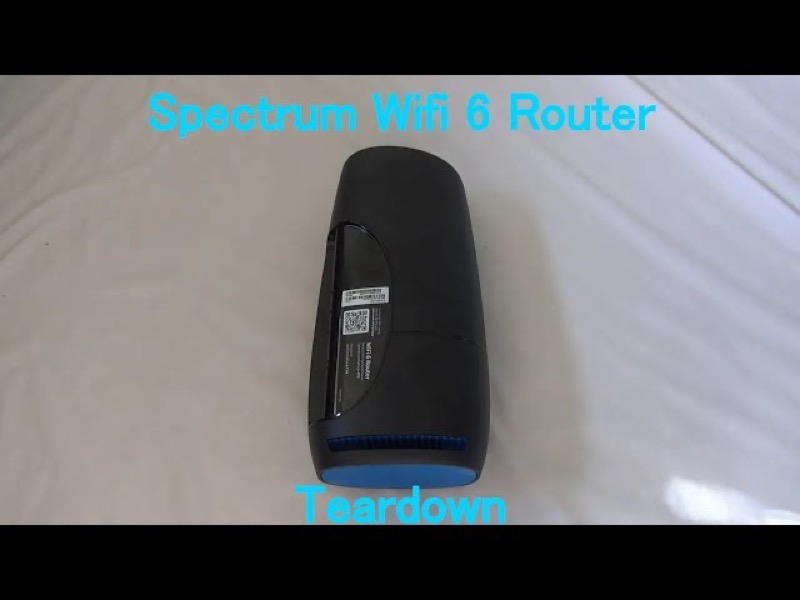
If your Spectrum WiFi 6 router is blue, the question “why” has a short answer from Spectrum’s manual: the light is showing one of three working states. A flashing blue light means the router is booting up. A pulsing blue light means it is connecting to the internet. A solid blue light means it is connected to the internet. The manual uses blue and green as one light, so these states are the same whichever colour you see.
So a blue light is usually not a fault. It is the router telling you where it is in its start-up or connection sequence. The “why” is the state the light shows, and the reason it is in that state is almost always the start-up itself, or the time it takes to reach the internet. If the light stays in one of those states for a long time, or turns red, the manual points you to the connection rather than to the light’s colour.
This page covers the Spectrum WiFi 6 router family only, the SAX1V1 family. The manual’s status-light table is for that family. It does not explain a blue light on Spectrum’s modems or other routers.
#2 Why the light is blue
| The blue pattern | Why the router shows it, per Spectrum’s manual |
|---|---|
| Flashing | The router is booting up |
| Pulsing | The router is connecting to the internet |
| Solid | The router is connected to the internet |
The manual gives these states but not the cause of each delay. A boot can take as long as the router needs, and a connection depends on the modem and the network. So when a blue light lasts, the likely reasons are the start-up itself, a connection that has not finished, or a link problem outside the router.
#3 Steps to check a blue light that lasts
- Note the pattern and how long it has lasted. Flashing, pulsing or solid, and the time since the light changed.
- Give a flash or pulse time to finish. Both are states the manual describes as normal steps, so watch them for a few minutes.
- Check the cable from the modem. Make sure the cable into the router’s Internet port is firmly connected at both ends.
- Check the modem. Make sure it has power and its own lights look normal.
- Check for a Spectrum outage in your area. A connection that will not finish can come from the network.
- Reboot once if the pulse continues. Press and hold the Reset button on the side for 4 to 14 seconds. The manual says your personalised settings are kept.
- Contact Spectrum if the blue state will not change. Give the model, the pattern, how long it has lasted, and what you have already checked.
#4 What If Scenarios
Q: Why is my router blinking blue after a restart? A restart puts the router back into its start-up sequence, so flashing blue is booting and pulsing blue is connecting. Give it time to finish before you judge the light.
Q: Why is the blue light solid but the internet is down on my devices? A solid blue light means the router is connected to the internet, so the reason is more likely on the device or its Wi-Fi link. Check the devices first.
Q: Why is the blue light pulsing for so long? The manual does not give a time limit for a pulse. A pulse is connecting to the internet, so check the cable and modem, look for an outage, and reboot once if it continues.
Q: Why does the blue light appear when the power comes back? After a power cut, the router goes through its start-up sequence again, so the blue light is the same sequence. See the power outage guide for the stages.
Q: Does this page apply to my modem? No. The manual covers the WiFi 6 router family only, so use the page for your device.
Q: Why did my blue light change to a red pulse? The manual lists a red pulse as a connectivity issue, which is a different state from the blue states. It does not give a single cause, so the reason is not in the light alone. Check the cable from the modem, the modem itself and any outage in your area. If the red pulse continues, reboot once and contact Spectrum with the sequence you saw.
#5 Related Articles
For the full WiFi 6 router legend, read the Spectrum WiFi 6 router lights guide. For the fix-by-state steps, read the how to fix a Spectrum blue light guide. For the blue state on its own, read the Spectrum router blinking blue guide.